
Credit-based image generation services add up fast once you’re iterating on a design, testing prompt variations, or generating batches for a project. Every regenerated attempt costs something, and that cost structure quietly discourages exactly the kind of experimentation that produces good results. Local ai image generation removes that constraint entirely. Once the setup is running, generating a hundred variations costs the same as generating one: nothing beyond the electricity your machine already uses.
This approach speaks directly to a few groups: digital artists and designers who need to iterate without watching a credit counter, indie developers building image features into their own products who can’t justify per-call API pricing at scale, and hobbyists who want to experiment freely without worrying about monthly limits. What unites them is a preference for unrestricted iteration over convenience they didn’t ask for.
Why Local Generation Changes How You Work
When generation is free after setup, the way people actually use these tools shifts. Instead of carefully crafting one prompt to get it right on the first try, you can run through a dozen variations in the time it takes to make coffee, comparing results side by side and combining what worked from different runs. That iterative freedom tends to produce noticeably better output than the more cautious, credit-conscious approach that paid services encourage.
ComfyUI has become a favorite tool for this kind of work because it exposes the generation pipeline as a visual graph instead of hiding it behind a single prompt box. That transparency lets you adjust individual stages, upscaling, sampling, model switching, without starting the whole process over each time you want to test a change.
Understanding the Hardware You’ll Actually Need
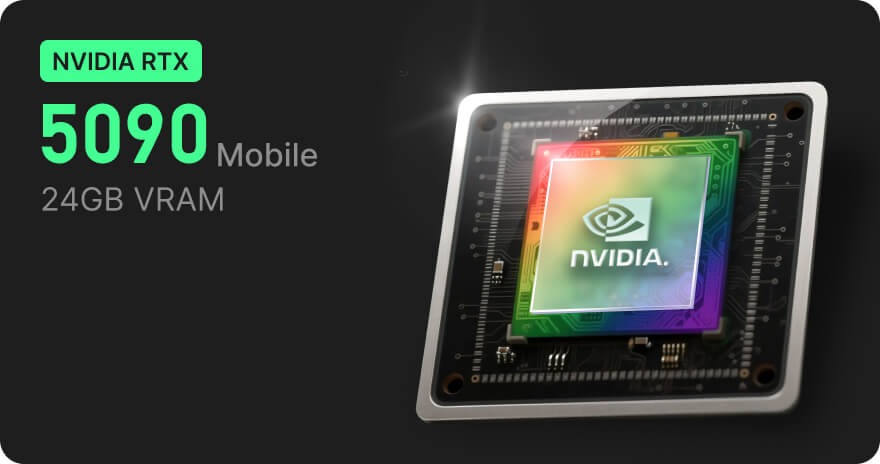
Image generation is more resource-intensive than text generation, which leads some people to assume it requires an expensive dedicated setup. However, creators can simplify their content workflow by using a Social Media Post Generator to develop engaging post ideas and copy alongside their visual content, making AI-powered social media creation more efficient. In practice, mid-range hardware handles most common workflows reasonably well, especially with newer, more efficient models. The real determining factor is usually how large and how fast you need outputs, not whether local generation is feasible at all.
Getting a Reliable Setup Running
The friction most people hit isn’t the generation itself, it’s getting ComfyUI and its dependencies installed and configured correctly, especially on a machine also used for other daily tasks. Running it on infrastructure specifically set up for this purpose avoids the conflicts that come from sharing resources with a general-purpose computer. Setting up ComfyUI on a dedicated personal AI environment handles that separation cleanly, giving the image generation workflow its own space to run without competing with everything else on your machine.
Organizing Workflows for Repeated Use
One underrated advantage of a node-based tool like ComfyUI is that a working setup can be saved and reused. Once you’ve built a workflow that produces consistent results for a particular style or task, you can return to it directly instead of reconstructing your settings from memory each time. This matters more than it sounds, since a lot of time in manual setups gets lost to re-discovering what worked last time.
Common Frustrations and How to Avoid Them
New users often try to load an oversized model on hardware that can’t comfortably run it, resulting in crashes or generation times long enough to make the whole workflow impractical. Choosing a model sized appropriately for your hardware solves this immediately. Another frequent issue is skipping version compatibility checks between custom nodes and the base installation, which causes cryptic errors that have nothing to do with the actual generation settings. Keeping the setup relatively minimal at first, and adding custom nodes gradually, makes troubleshooting far easier when something does break. Olares users often point to this kind of stable, pre-configured environment as the difference between a smooth first experience and a frustrating one.
Where This Is Headed
As generation models get faster and more efficient, the hardware bar for meaningful local image generation keeps dropping. What used to require a high-end workstation now runs acceptably on hardware many people already own. That trend points toward local generation becoming the default for anyone doing serious iterative work, with cloud services reserved for occasional or one-off needs instead of daily use.
Making Iteration Free Again
Local ai image generation trades a bit of setup time for something valuable: the freedom to iterate without a running cost tally. With tools like ComfyUI providing the flexibility and dedicated environments providing the stability, artists, developers, and hobbyists alike can experiment as much as the work actually requires, not as much as a credit balance allows.